Show genuine work and spaces, explain services and pricing factors, and make the appointment route clear. Treatment claims, before-and-after images and personal photographs need careful review. An attractive presence should provide orientation rather than promise unrealistic results.
A clear focus makes choosing easier
Your salon does not have to mean the same thing to everyone. You may specialise in colour, short cuts, curls or a particular beauty service. Explain that in understandable language and describe the consultation involved. A long list of technical terms rarely helps new customers. Explain whom an offer may suit and when a personal conversation is useful. Avoid blanket claims that ignore individual circumstances. The first screen should communicate your style and the main next step without listing every service at once.
Explain differences between services
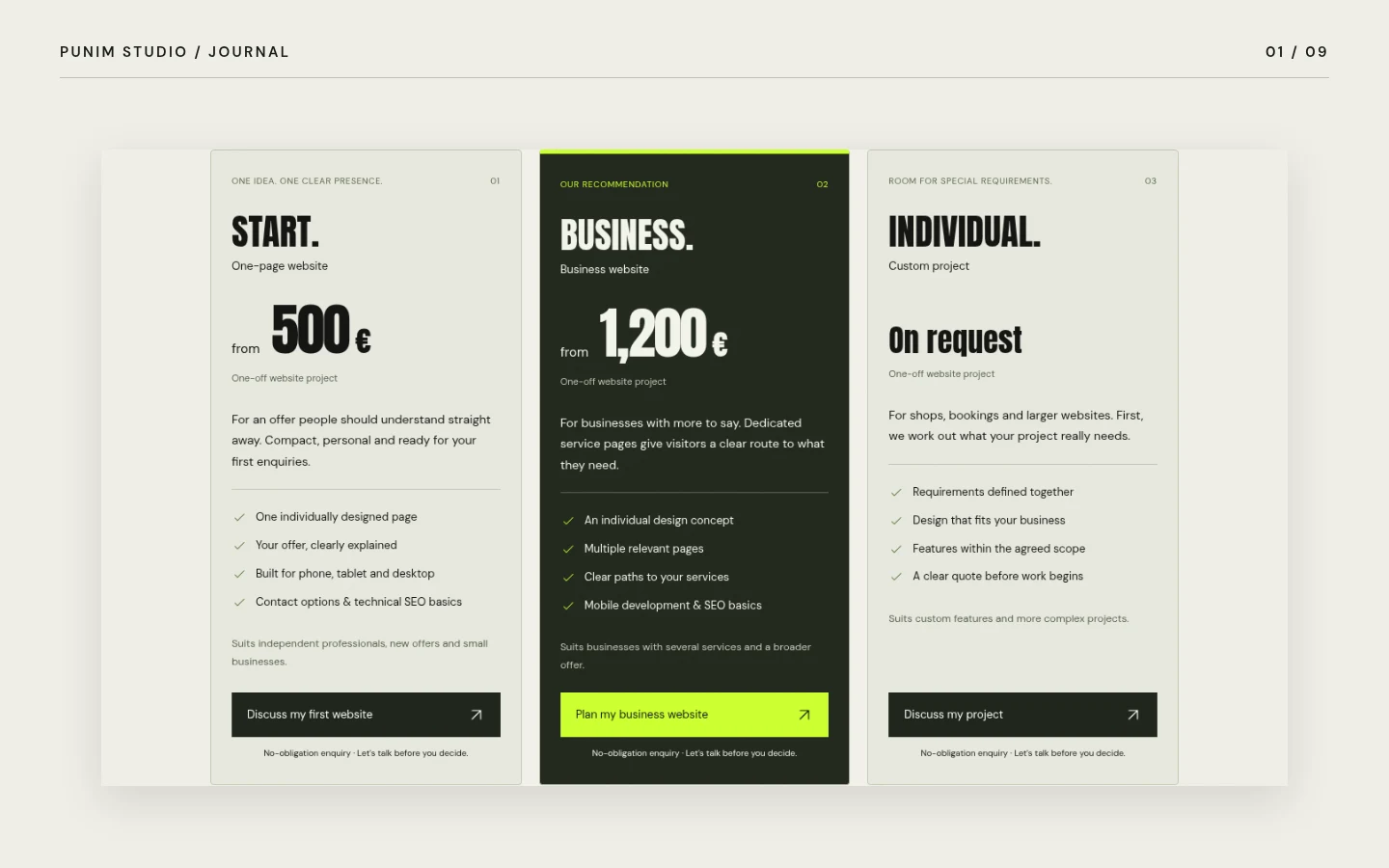
Arrange the offer into a few meaningful groups. People should understand what an appointment includes, how to prepare and whether consultation comes first. If duration or price depends on the work involved, explain the factors rather than displaying a misleading fixed figure. A clear price list can reduce questions, but must stay current. Obtain appropriate advice on required price information and tax presentation for your business. The website should create the same expectations as your team on the phone; conflicting descriptions cause avoidable disappointment.
Real photographs beat stock perfection
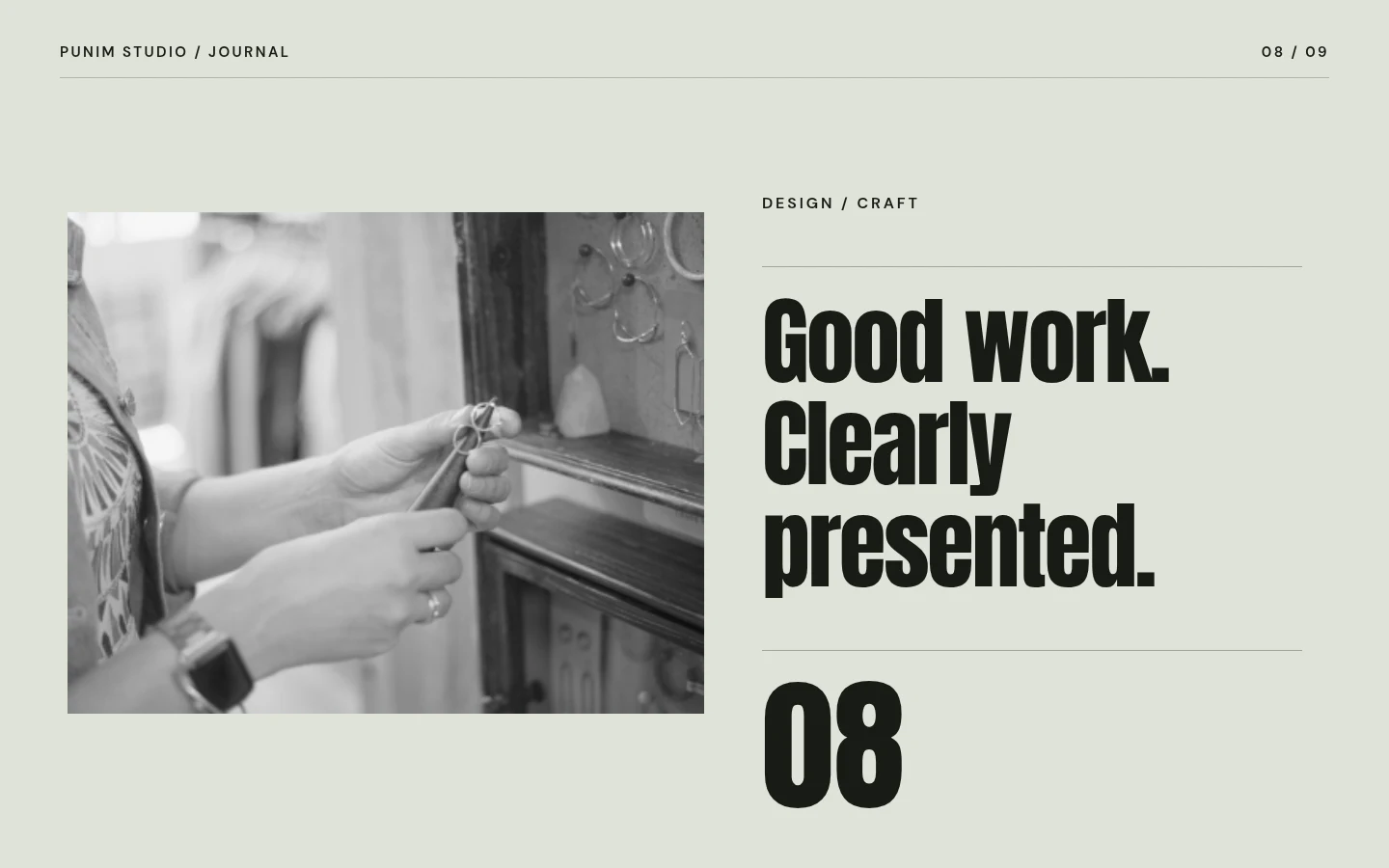
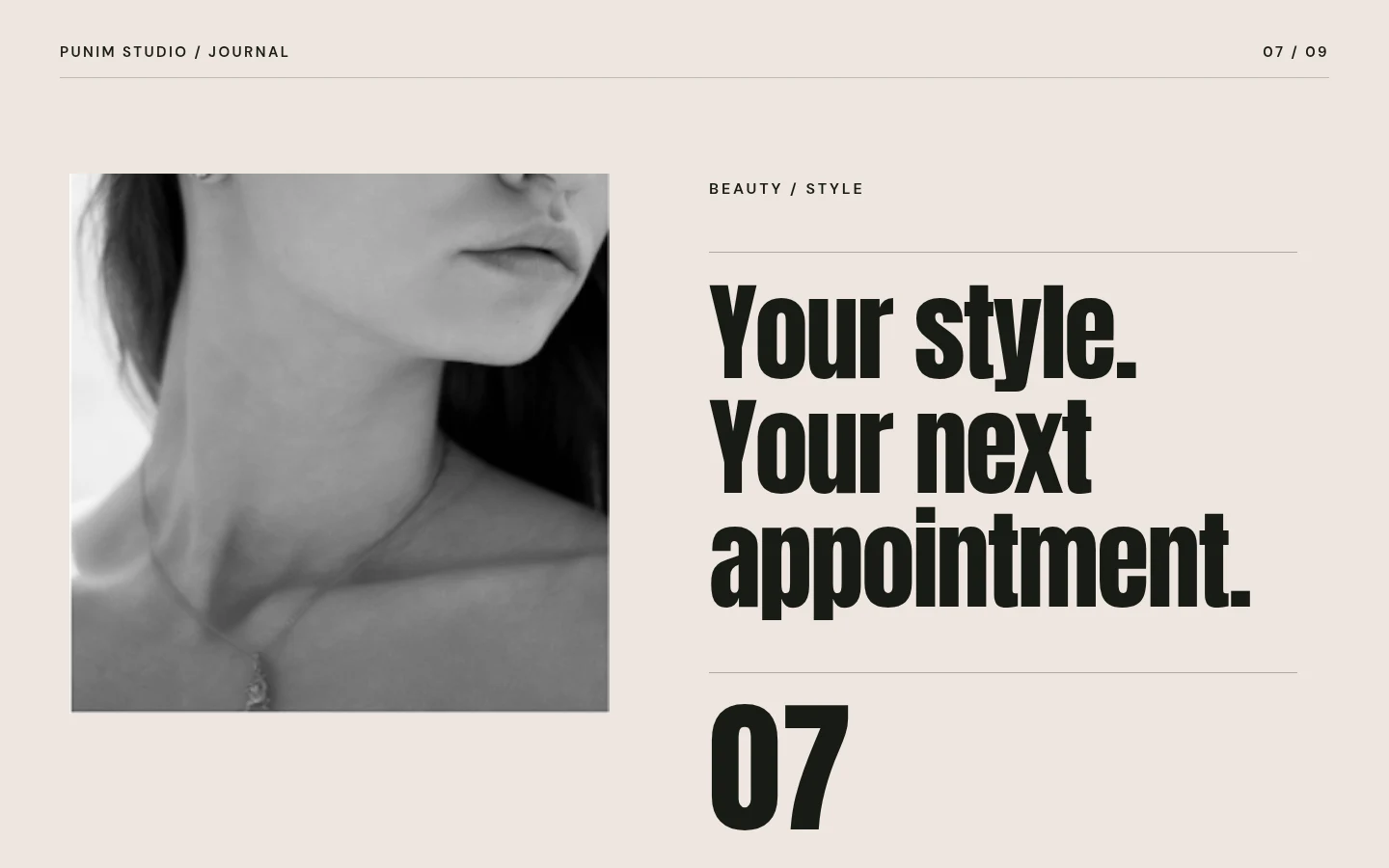
Show the salon as customers experience it: rooms, workspaces and selected genuine results. A consistent selection is more persuasive than a large gallery of differently edited images. Customer photographs require appropriate rights and a valid basis for consent. Agree where they may appear and for how long. Before-and-after presentations should use comparable light and perspective; legal requirements can be particularly relevant depending on the service. Do not present borrowed photographs or generated faces as results of your work.
Make appointments fit the team’s workflow
Phone contact, an appointment request and external booking are different options. Choose around daily operations: who answers enquiries, which services can be booked directly, and which need consultation? Label a request clearly when no confirmation has happened yet. Explain what follows submission without promising a response time you cannot meet. For external services, review contract terms, data processing and required privacy information. An extra button is useful only when the entire process works reliably.
Mobile usability is part of your brand
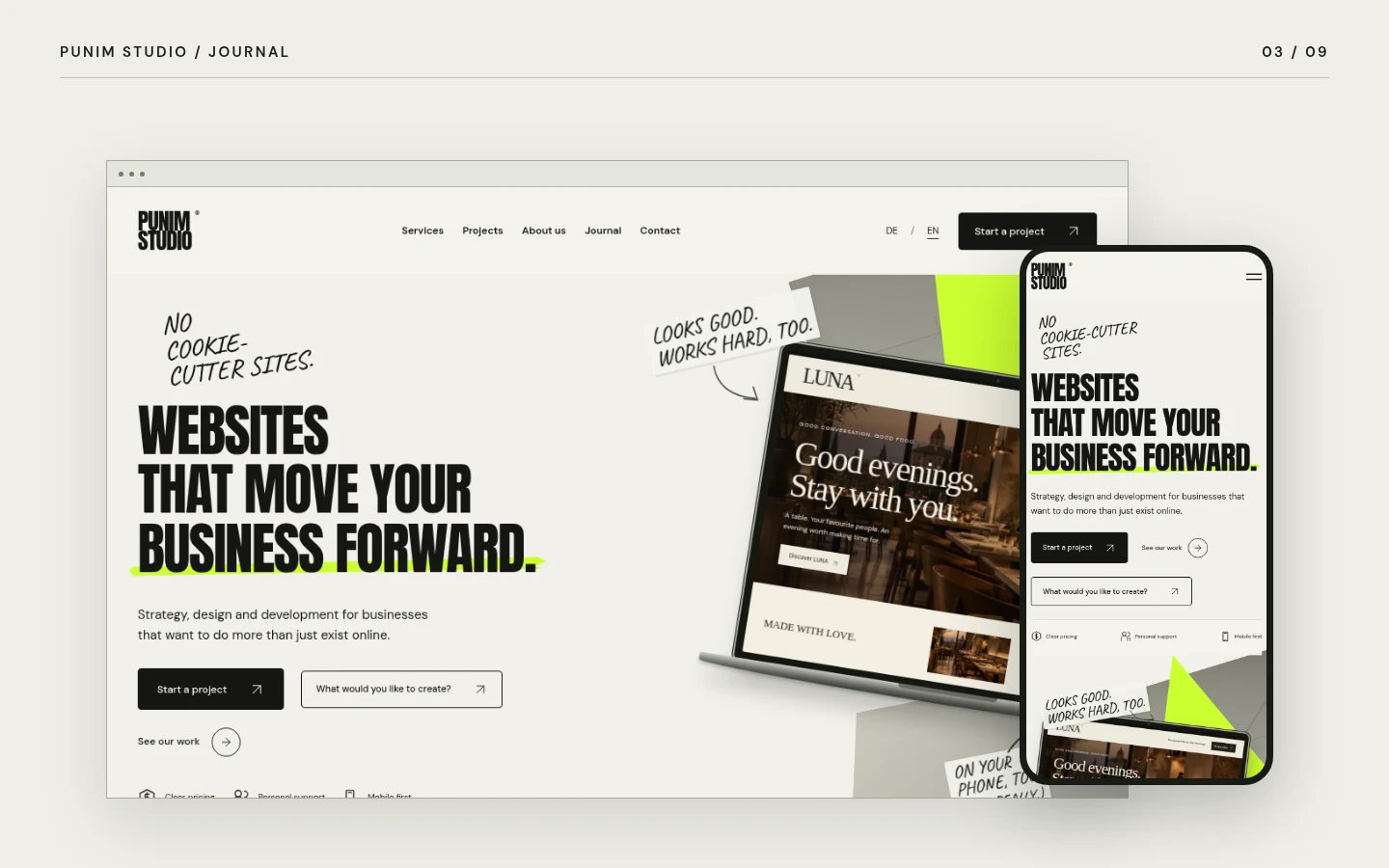
Many visitors open the website while out and about. Phone number, address and appointment options must remain easy to reach on small displays. Check readable prices, comfortable buttons and short form sections. An elegant typeface should not become so thin that it disappears on a phone. Images should load promptly and remain meaningful in narrow crops. Colour, typography and image choices can express the salon’s style without making operation difficult. Animation may complement the design, but should not delay information or override reduced-motion preferences.
Concrete information builds trust
Introduce the team with their agreement and explain the approach clearly. Claims about qualifications or specialist treatments must be accurate. Genuine reviews may help when used correctly with appropriate permission. Without them, a clear process and useful answers are better than invented stars. Information on access, cancellations and consultations can also help. Contract-related conditions need an appropriate professional form rather than being improvised as marketing copy. The presence can then remain welcoming and dependable.
A useful brief begins inside the salon
Collect the questions your team answers most often and choose a few representative examples of work. Record services, pricing factors, contact routes and existing booking tools. Decide who approves content and maintains it later. A scheduled photography session and a planned shot list help. Consider which style truly fits the business: calm and refined, clear and modern, or energetic and bold. The website configurator can suggest an initial direction. The finished design must then be aligned with real content and your actual workflow.
Test an appointment from the customer’s perspective
Open the website on a phone and search for a specific service. Check whether scope, pricing factors and the next step are understandable. A new customer should not need to know your team’s internal name for an appointment. Then test contact and feedback. If a request still needs review, the page must not claim it has been confirmed. Record uncertainties and address those first. This is often more useful than adding decorative elements without a clear purpose. Repeat with another service so the process also works beyond the most common booking.